Retro mode: a 1997 skin an agent can switch on
A 1997 GeoCities-era appearance, and set_appearance: the site's first WebMCP tool that changes something instead of returning data, in your browser only.
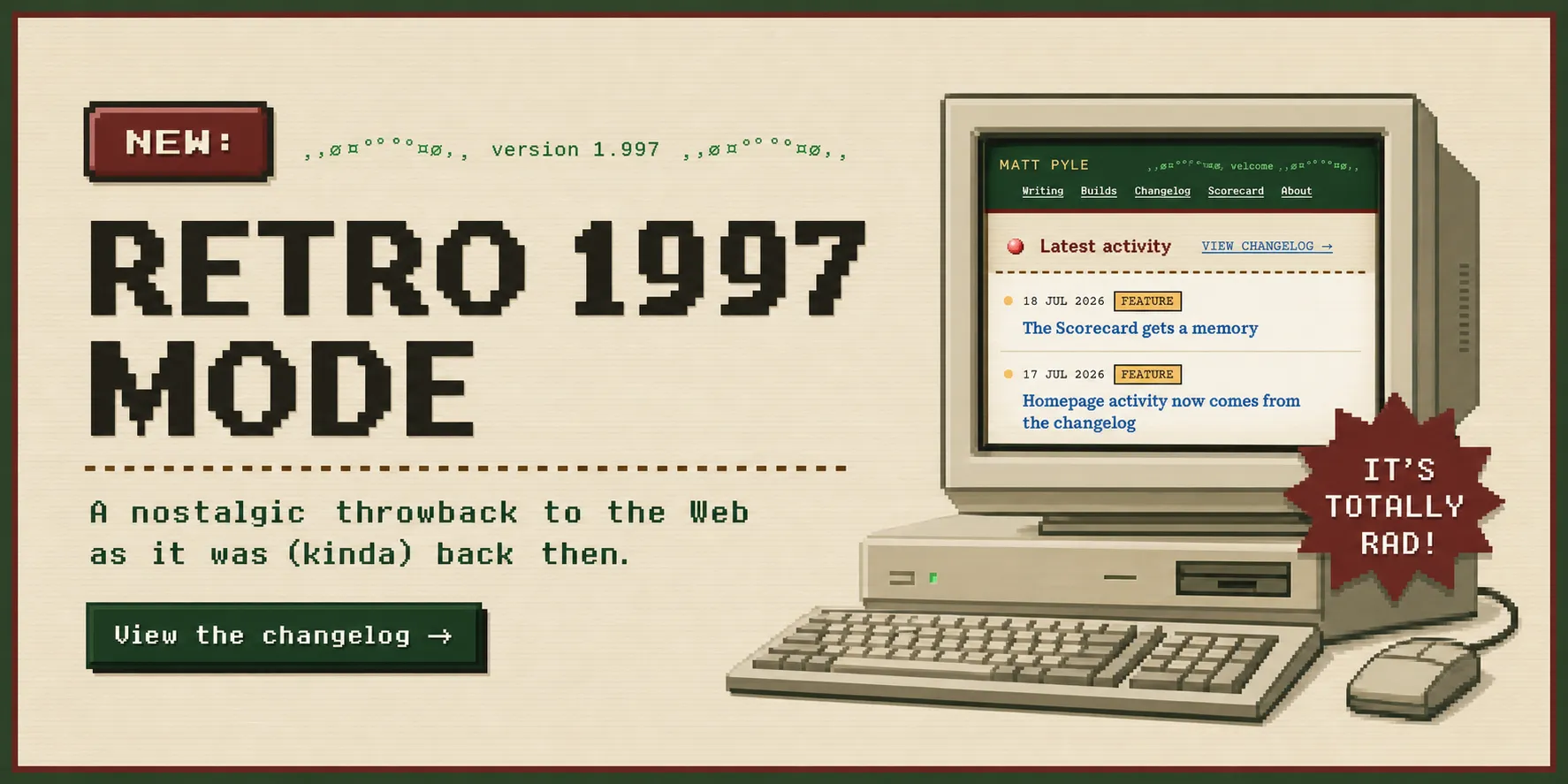
The site now has two appearances: the modern one and a 1997 homage to websites I used to build on GeoCities. A toggle in the footer switches between them, the choice persists across pages and reloads, and any failure falls back to modern. The more interesting switch is the second one: set_appearance, this site’s first WebMCP tool that takes an action instead of returning data.
Why a 1997 skin
Some of my earliest internet memories are creating personal websites using GeoCities. I didn’t know at the time but this was my first introduction to web development using HTML and CSS. That era of the web was open and free, and it filled me with a true sense of wonder as I discovered all of the websites that others built.
How this retro mode works with WebMCP
A WebMCP write tool needs something worth writing. The three read tools shipped earlier prove an agent can ask this site questions; they prove nothing about an agent doing things. Changing the entire look of the page is the loudest possible demonstration: visible, instantly reversible, and hard to mistake for anything else. The nostalgia adds a sense of fun while the protocol experiment is the learning.
The write is confined to your browser
set_appearance stores a preference in your browser’s localStorage and sets one attribute on the page. There is no server state to change and no other visitor to affect: an agent flipping this site into retro changes only the view in the browser it is driving. Like every experiment here, it layers on as progressive enhancement, and the site is byte-for-byte identical with the whole feature deleted.
Who can flip it today
Honestly: mostly humans. As of this shipping, essentially no mainstream agent consumes WebMCP, and testing the tool path needs Chrome’s origin trial. The footer toggle is the primary path and the tool is the experiment riding on it.
You can try it yourself. Either manually turn on retro mode via the footer button, or use a Chrome extension like WebMCP - Model Context Tool Inspector and enable chrome://flags/#enable-webmcp-testing.