Added a /webmcp page to showcase WebMCP functionality
The tools this site hands to agents get a page built from the live tool objects, with runnable examples.
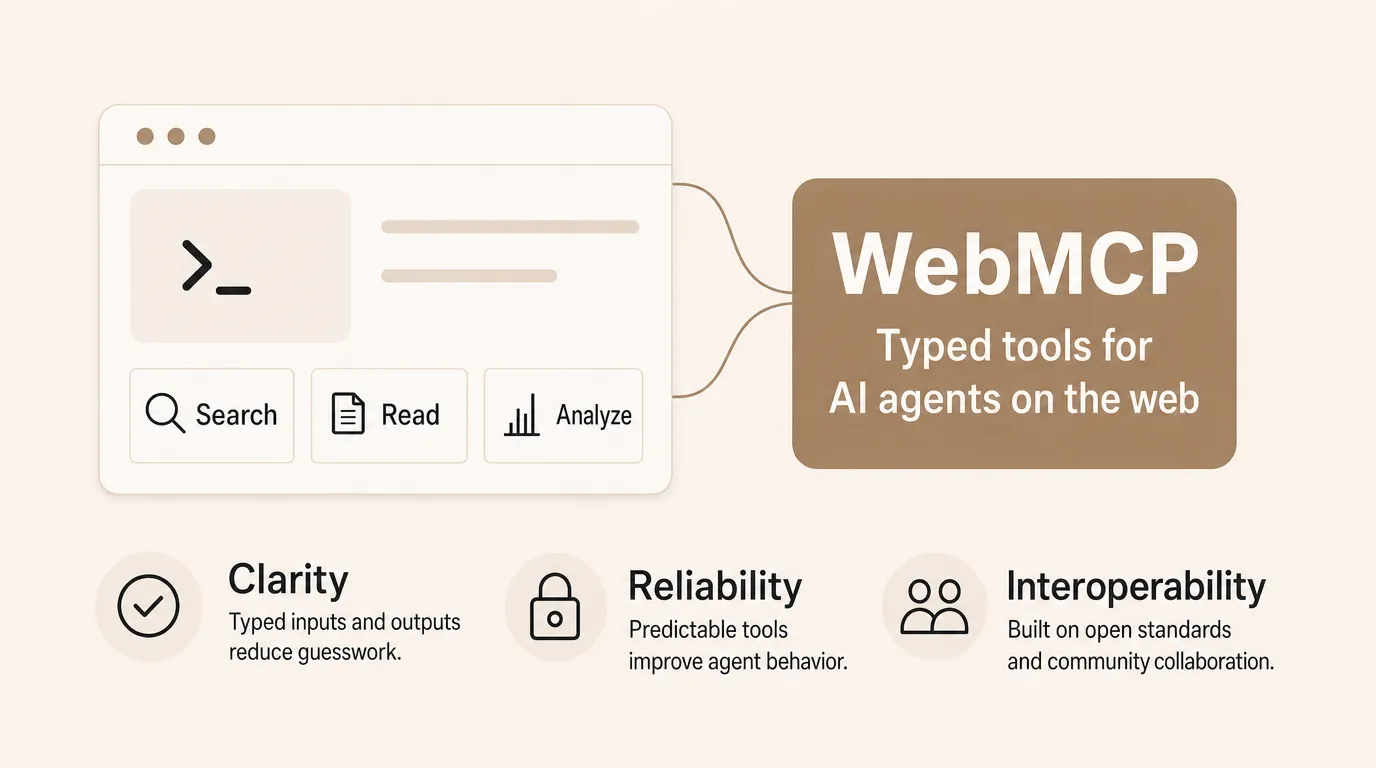
This site’s WebMCP tools now have a public home: /webmcp documents every tool the site registers, what each returns, how to test them, and where the standard honestly stands. At shipping that was four tools: the three readers, and set_appearance from the retro mode addition.
How the page surfaces the tools
Every tool card’s name, description, and input schema are read from the live tool objects at build time, and the machine-readable manifest at /webmcp/tools.json is generated from the same objects. Each card has a run button that calls the real handler, in your browser with no setup required.
What a typed surface gives an agent
An agent on an ordinary page infers what is possible from the DOM and hopes. A registered tool is different: a name, a typed input, a stated return, callable in one step. On this site that means an agent can read recent writing, search content, or switch the appearance without guessing its way through the interface. The page is where humans can see that surface; /webmcp/tools.json is where machines can.
What I want to learn, and how this evolves
WebMCP is a W3C Community Group draft, available in Chrome behind an origin trial, so its shape will change. This page is the testbed for the questions that interest me: whether agents discover the tools, whether the descriptions are good enough to be chosen, and what a site gains from meeting agents halfway. Because the catalogue is generated from the live tool objects, the page and the manifest move with every change to the surface, and the answers land here as they are measured.
How you can test WebMCP functionality
You can run every tool yourself on /webmcp by using a Chrome extension like WebMCP - Model Context Tool Inspector and enabling chrome://flags/#enable-webmcp-testing.
If you want to try it out manually then use the buttons on the /webmcp page to call the same handlers an agent calls, in any browser.